Construction and trades
Win more bids, finish more jobs, chase fewer invoices
Greene and Orange counties are growing, and local contractors are busier than ever. The ones pulling ahead stopped running the back office from the truck cab.
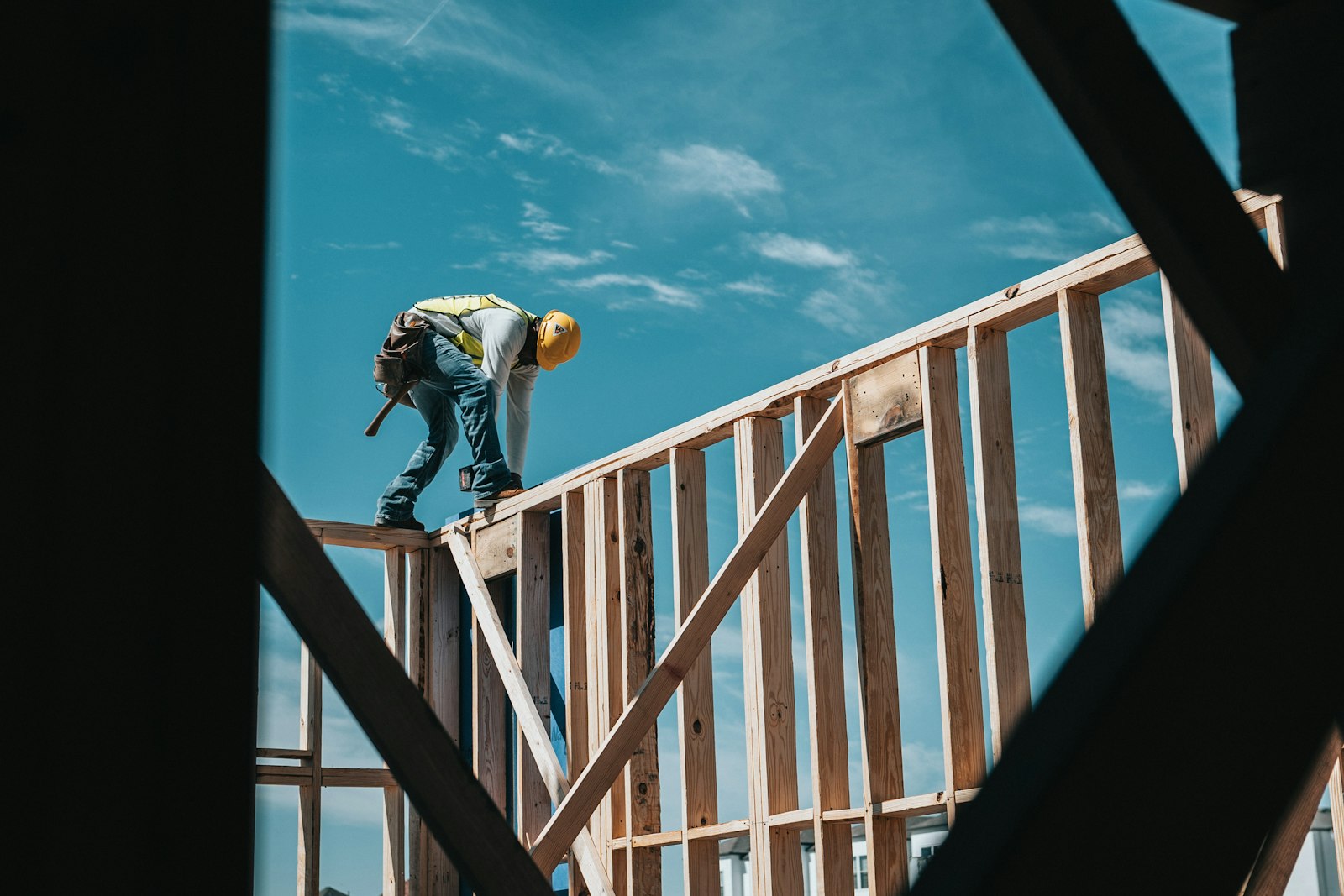
Where the evenings go
Quotes take too long
Pulling material costs, labor, and sub rates together for each bid is hours of work. By the time the quote goes out, the homeowner has called someone else.
The schedule lives in your head
Crews, inspections, deliveries, and weather all have to line up. One delay ripples through everything, and the project board is your memory.
Supplier orders by phone
Tracking orders across suppliers, confirming delivery windows, and catching price changes before they eat the margin. All of it by hand today.
Job costing by feel
The job made money, probably. Actual cost versus estimate, what the change orders did, which job types pay best: that lives in receipts and memory.
A residential contractor’s quarter
Composite of contractors running two to five crews out of Greene, Orange, and Albemarle.
Now
- Estimates built from spreadsheets and old bids, hours each
- Scheduling in texts, whiteboards, and the owner’s memory
- Material orders placed by phone with nothing tracking them
- Invoices sent weeks after the job is done
- Profit per job unknown until tax season
After
- Estimates start from a template with your real rates filled in
- A shared project board with crew assignments and alerts
- Purchase orders tracked with delivery confirmations
- Progress invoices sent at each milestone
- Cost against estimate visible while the job is running
What we usually automate
Built to work from a phone in the truck. If you cannot do it one-handed at a job site, it does not ship.
Quoting
Estimate templates with current material pricing and your historical labor rates, producing a proposal with your name on it.
Scheduling
A timeline with crew assignments and dependencies, and a notification when an upstream task finishes or slips.
Suppliers
Purchase orders, delivery tracking, and price comparison across the suppliers you already use.
Job costing
Actual costs tracked against the estimate as they come in. Change orders logged and priced. Margin known before the final walkthrough.
Client updates
Progress photos, milestone notices, and payment reminders that keep homeowners informed and invoices paid.
Lead follow-up
New inquiries get a same-day reply, quote reminders go out on schedule, and past clients hear from you before their next project.
Try it
A quote request, from web form to site visit
Nothing here is stored or sent anywhere. The steps are what the real systems do; the people and dates are made up.
Today the request lands in the owner’s inbox. He sees it that night, calls back the next morning, gets voicemail, and the two of them trade calls for three days. Meanwhile the homeowner has called two other contractors. Whoever shows up first usually gets the job.
Connects Your website form, Text messaging (Twilio), Google Calendar, QuickBooks Online
What happens next will appear here, step by step.
One connected system for the whole operation
It links your estimating, scheduling, and accounting tools and does the coordination you currently do from the truck.
Same-day lead response
When a lead comes in by phone, web form, or referral, the system acknowledges it, collects job details by text, and puts a site visit on your calendar. No lead sits overnight.
Estimate pre-fill
Pulls current material prices from supplier catalogs and fills the estimate template from similar past jobs. You review and adjust instead of starting from a blank sheet.
Delivery tracking
Once a purchase order is placed, watches the supplier’s delivery status. If a date slips, you hear about it right away, with the crews and tasks it affects.
Milestone invoicing
At each milestone (foundation, framing, finish), generates a progress invoice with actual cost against estimate, sends it to the homeowner, and follows up if it goes overdue.
Get the back office out of the truck cab
Half an hour going through your last three bids, your current schedule, and how you bill. We tell you which one to fix first and what it costs to do it.
Book a free discovery call